

Connect your first calendar
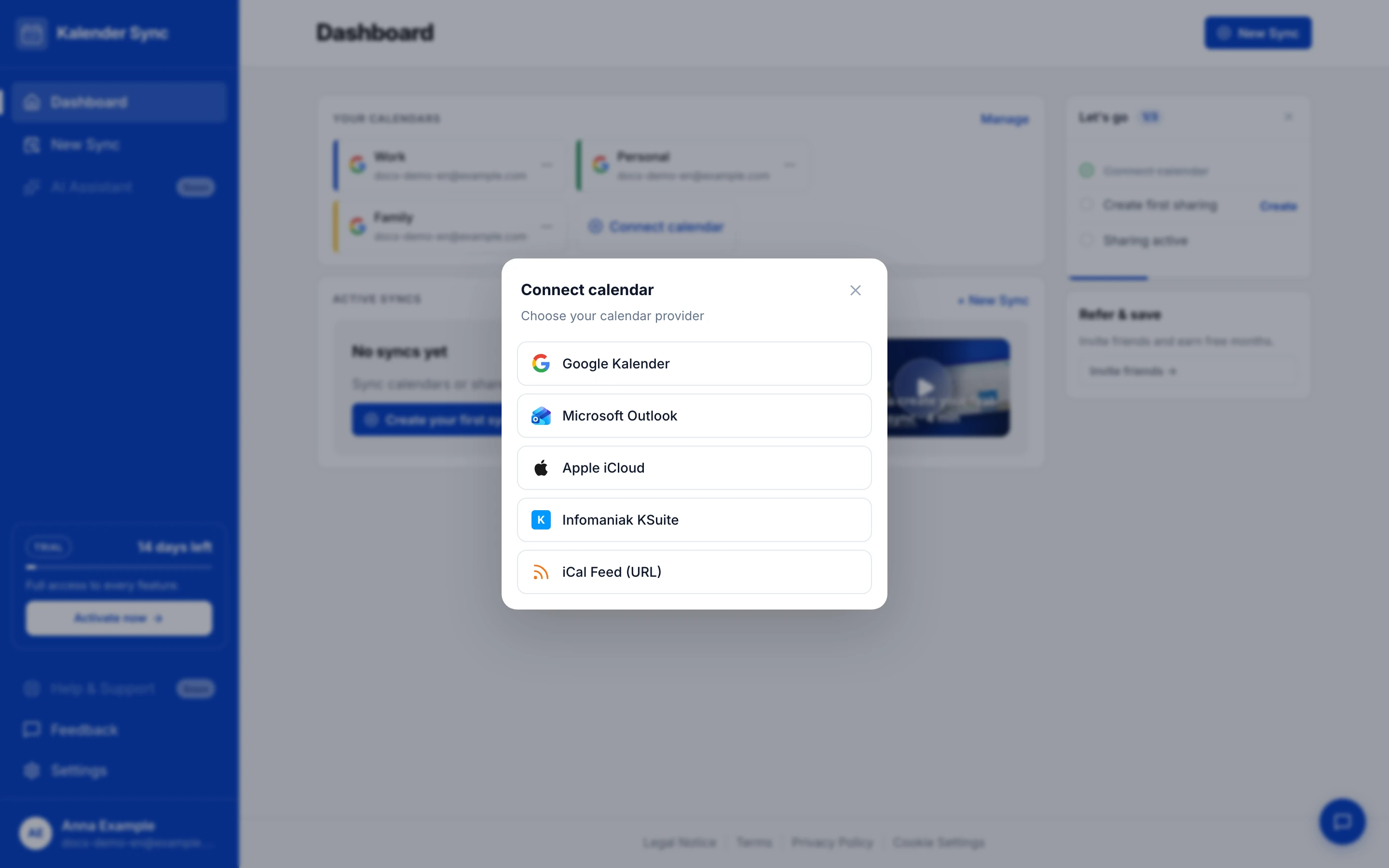
For Kalender Sync to do its job, you connect at least one calendar account. In the dashboard, open “Connect calendar” and pick your provider.
Video: Connect your calendar in 2 minutes
Section titled “Video: Connect your calendar in 2 minutes”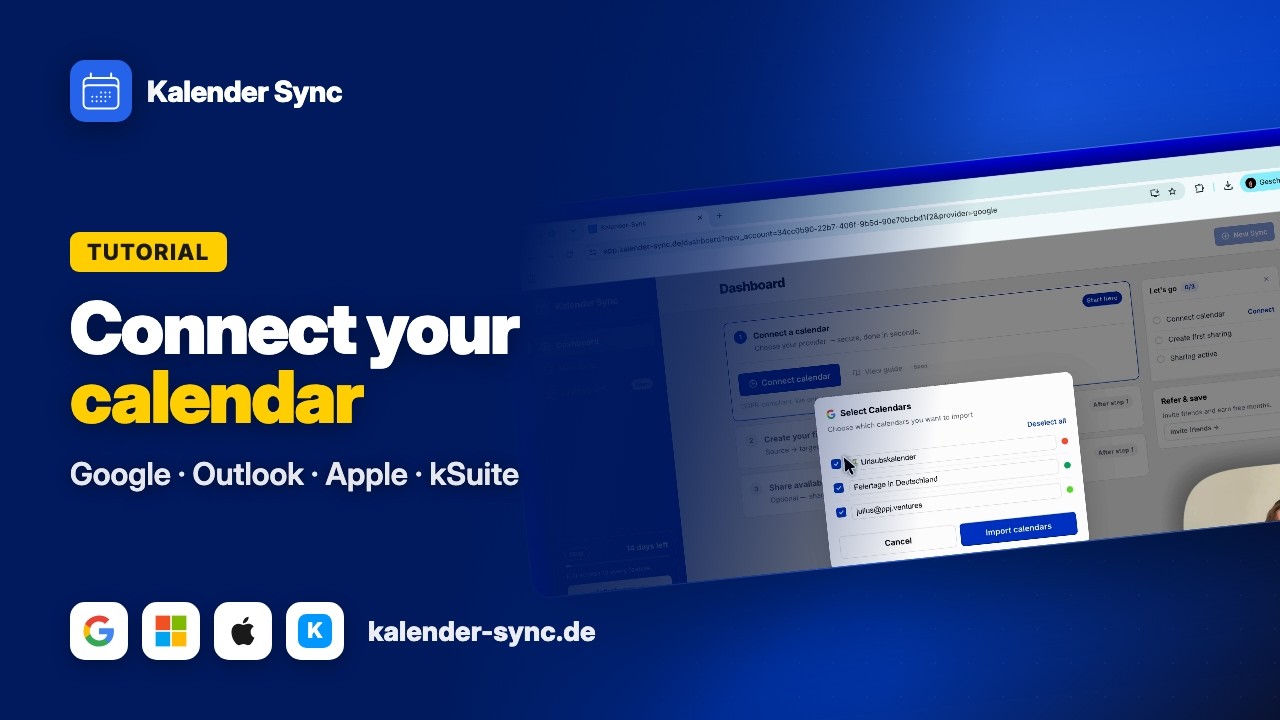
Clicking play loads YouTube. Data will be sent to Google.
Which provider fits you?
Section titled “Which provider fits you?”| Your calendar lives at … | Connection type | Plan | Guide |
|---|---|---|---|
 Google / Gmail / Google Workspace Google / Gmail / Google Workspace | Account sign-in (OAuth) | Free | Connect Google |
 Outlook / Microsoft 365 / Exchange Outlook / Microsoft 365 / Exchange | Account sign-in (OAuth) | Free | Connect Microsoft |
 Apple / iPhone / iCloud Apple / iPhone / iCloud | App-specific password | Basic+ | Connect Apple iCloud |
 GMX GMX | App-specific password | Basic+ | Connect GMX |
 WEB.DE WEB.DE | App-specific password | Basic+ | Connect WEB.DE |
 mailbox.org mailbox.org | Application password | Basic+ | Connect mailbox.org |
 Posteo Posteo | App password | Basic+ | Connect Posteo |
 STRATO (Webmail Premium/Business) STRATO (Webmail Premium/Business) | Mailbox password | Basic+ | Connect STRATO |
 Disroot Disroot | App password | Basic+ | Connect Disroot |
 Infomaniak / KSuite Infomaniak / KSuite | App password | Basic+ | Connect KSuite |
 Anything else with an iCal/ICS link Anything else with an iCal/ICS link | Feed URL (source only) | Basic | Add an iCal feed |
Missing your provider? Email support@kalender-sync.de — we can enable most providers within a few days.
Providers not included in your current plan appear greyed out in the dialog with a lock icon and a plan hint — upgrading unlocks them immediately (Plans & limits).
What happens when you connect
Section titled “What happens when you connect”Google and Microsoft open the provider’s own sign-in window. There you confirm access to your calendars — Kalender Sync needs read and write access so it can create blocker events and clean them up again. Exactly which permissions are requested and why is covered in Permissions in detail.
Apple iCloud, GMX, WEB.DE, mailbox.org, Posteo, Disroot and KSuite don’t use a sign-in window but an app-specific password that you create with the provider beforehand — with most of them your regular password deliberately won’t work there. STRATO is the exception: your normal mailbox password is enough. Step-by-step guides are on the respective pages.
Select calendars
Section titled “Select calendars”After connecting, Kalender Sync shows all calendars of the account in the “Select Calendars” dialog. Only tick the ones you actually want to use — you can change the selection any time in the settings.
If it doesn’t work
Section titled “If it doesn’t work”- Error message like “Need admin approval”? Your organisation is blocking the connection — there are three ways out: My organisation blocks the connection.
- Other connection errors: Connection fails.
Onwards
Section titled “Onwards”Calendar connected? Then set up your first sharing now.