
Visibility levels
For each sync you decide how much the receiving side sees of your events. This is the heart of the privacy concept: you share availability, not necessarily content.
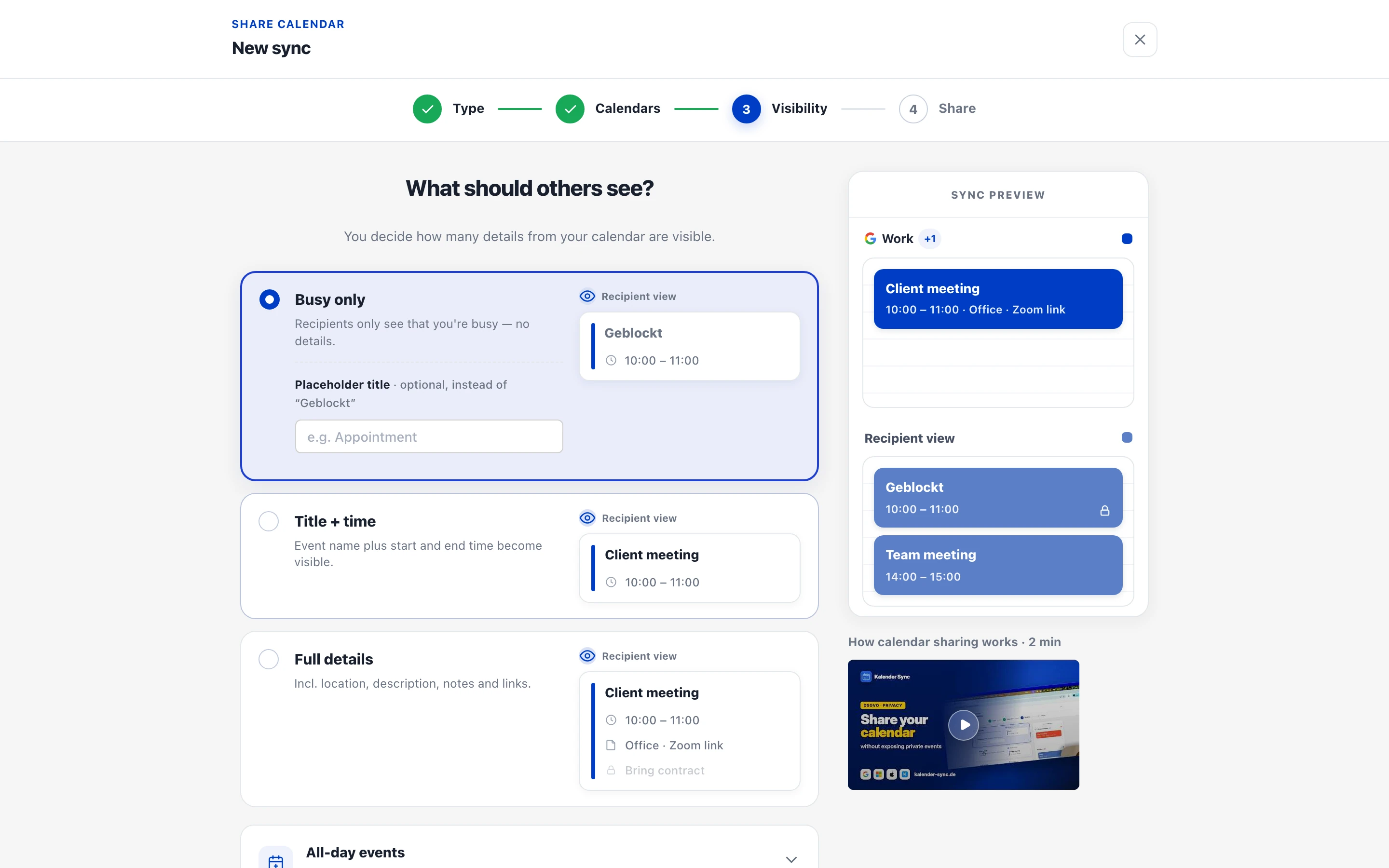
The three levels
Section titled “The three levels”| Level | What arrives in the target | Typical use |
|---|---|---|
| Busy only (default) | Just the time slot, titled “Geblockt” by default — or your own placeholder text like “Busy” | Personal events block the work calendar — maximum privacy |
| Title + time | Event name plus start and end time | Linking your own calendars, close team coordination |
| Full details | Incl. location, description, notes and links | Assistants, shared schedule management |
With a two-way sync, you can pick the level per direction.
What is never transferred
Section titled “What is never transferred”Regardless of the level, these stay out:
- Attendee lists and their email addresses — that’s third-party data
- Organisers and accept/decline status
- Attachments
More on the privacy concept: Security & privacy overview.
Setting and changing
Section titled “Setting and changing”You pick the level when setting up the sync, in the “Visibility” step — and you can change it any time later via the sharing’s three-dot menu → “Edit”. All synced copies in the target are rewritten automatically → Edit a sharing.
Which level for which case?
Section titled “Which level for which case?”- When in doubt: “Busy only”. It serves the main purpose — no double bookings — without revealing anything. You can always upgrade later.
- “Title + time” when the other side should know what blocks you (e.g. your own two calendars, or a close team).
- “Full details” only when the receiving side needs to work with your events (assistant, co-founder).