
Create an account & sign in
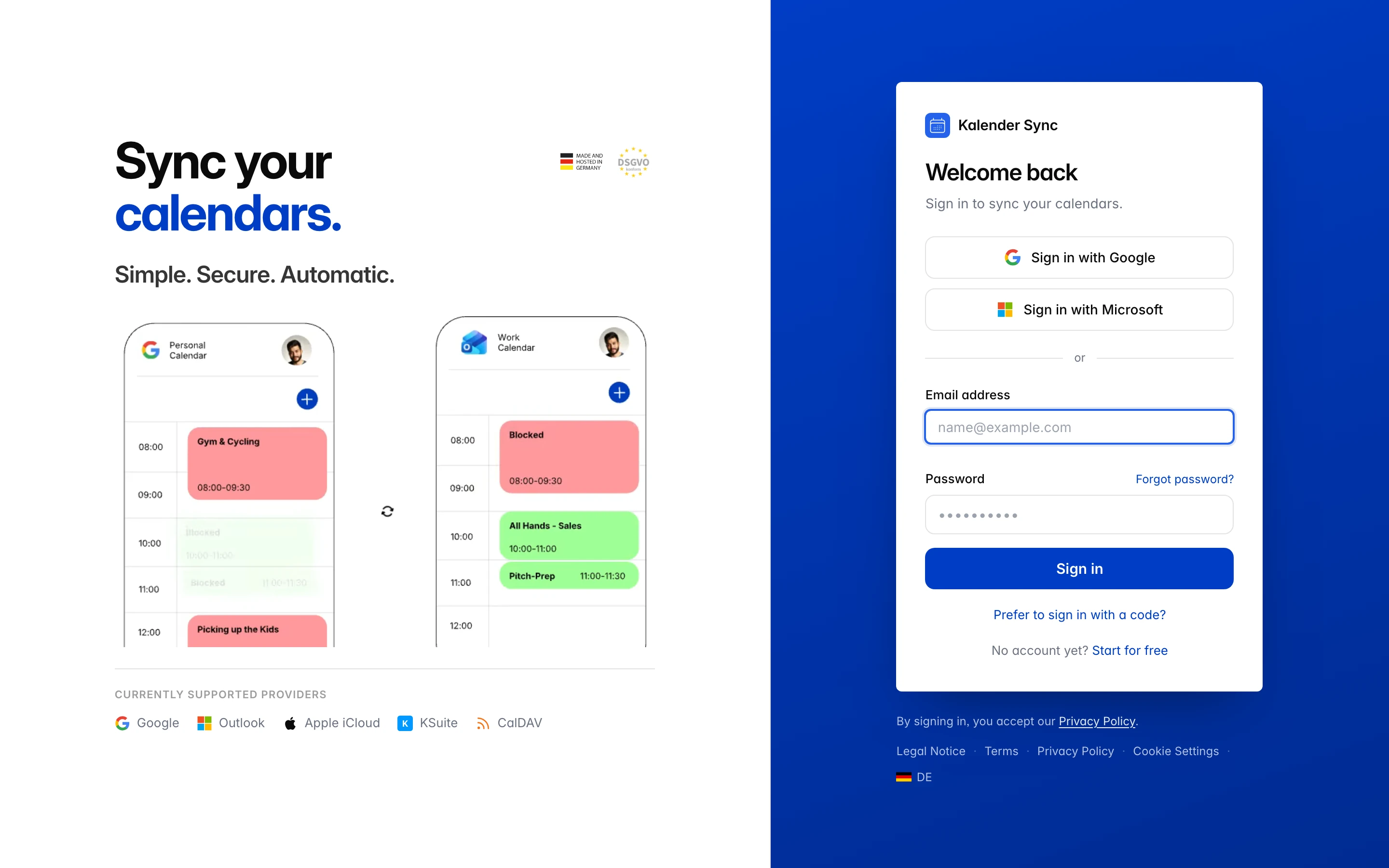
With Kalender Sync you sign in however you prefer: classically with email and password, without a password via one-time code — or with one click via Google or Microsoft.
Create an account
Section titled “Create an account”- Open app.kalender-sync.de and choose “Start for free”.
- Enter your email address and a password (at least 10 characters) — or sign up directly with Google/Microsoft.
- To confirm, you’ll receive an email with a 6-digit code. Enter the code — done.
Good to know about the code:
- It’s valid for 15 minutes; after that, simply request a new one.
- After 5 wrong attempts it becomes invalid — a new code fixes that too.
- If you requested several, only the code from the most recent email counts.
- The email deliberately contains only the code, no click link — in many companies, security scanners open links automatically and thereby invalidate them.
Sign in
Section titled “Sign in”The login page gives you three paths:
- Email + password — the standard way.
- “Prefer to sign in with a code?” — passwordless login: you receive a 6-digit code by email. Handy if you don’t want to remember a password.
- “Sign in with Google” / “Sign in with Microsoft” — this only confirms your identity; no calendar is connected yet (that’s a separate step with its own consent).
The paths are interchangeable: if you sign in with Google even though you registered via email (or vice versa), you end up in the same account — what matters is the verified email address.
Forgot your password? Choose “Forgot password?” on the login page — you reset it via email code. You can change it any time under Settings → Account → Security → “Change password”.
What happens after sign-up
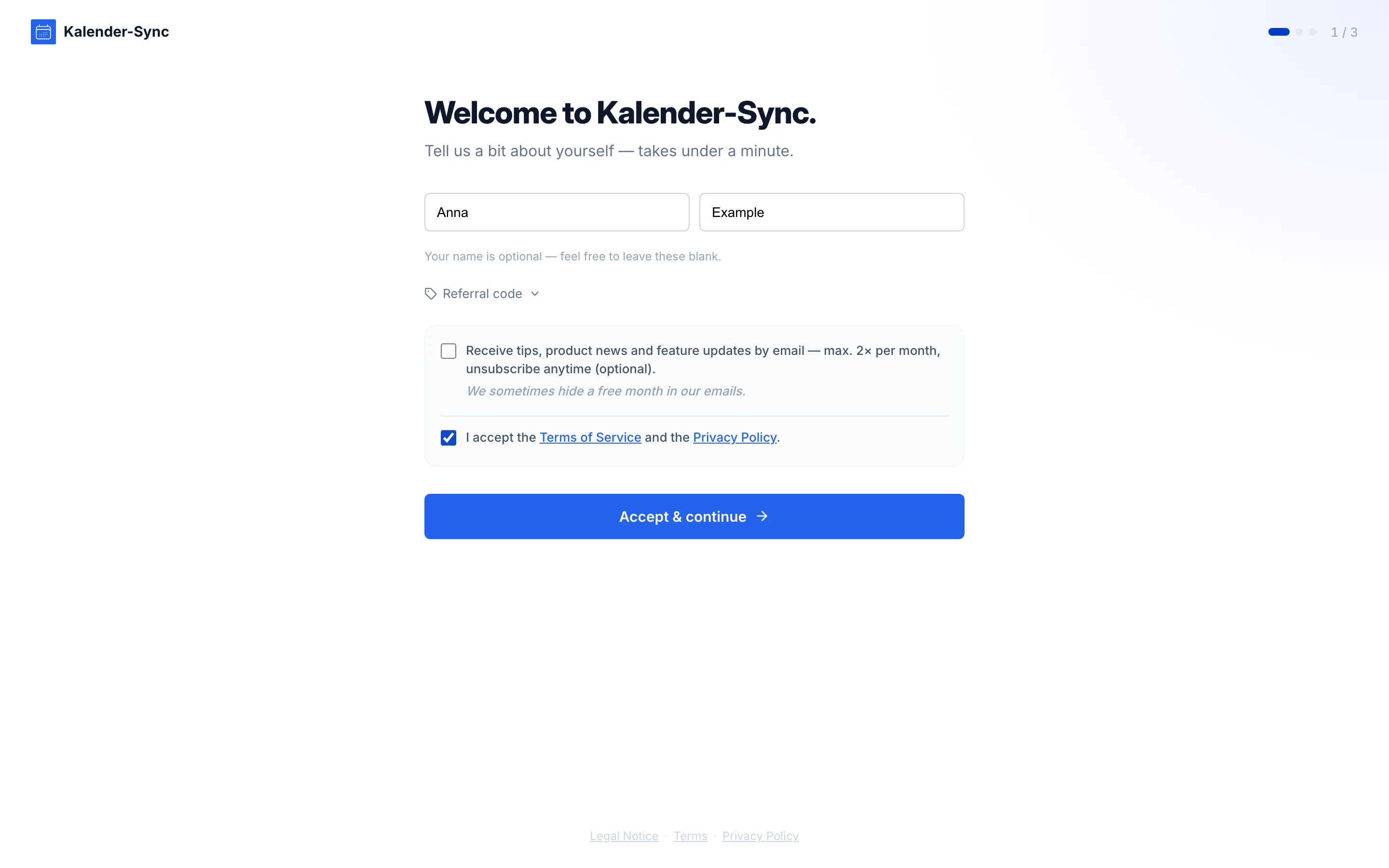
Section titled “What happens after sign-up”On first login, a short onboarding walks you through:
- About you — name (optional) and consent to the Terms of Service and Privacy Policy (required). A newsletter checkbox is optional.
- Trial — as a new account you get a free 7-day trial, no credit card needed.
- Then you continue straight to connecting your first calendar.
Trouble signing in?
Section titled “Trouble signing in?”Email not arriving, code expired, lost access to your mailbox → Sign-in problems.