

Share your calendar with others
With a shared sharing, another person sees your availability — without getting access to your calendar. They receive an invitation, choose their own target calendar, and can end the sharing on their side at any time.
Video: Share without exposing private events
Section titled “Video: Share without exposing private events”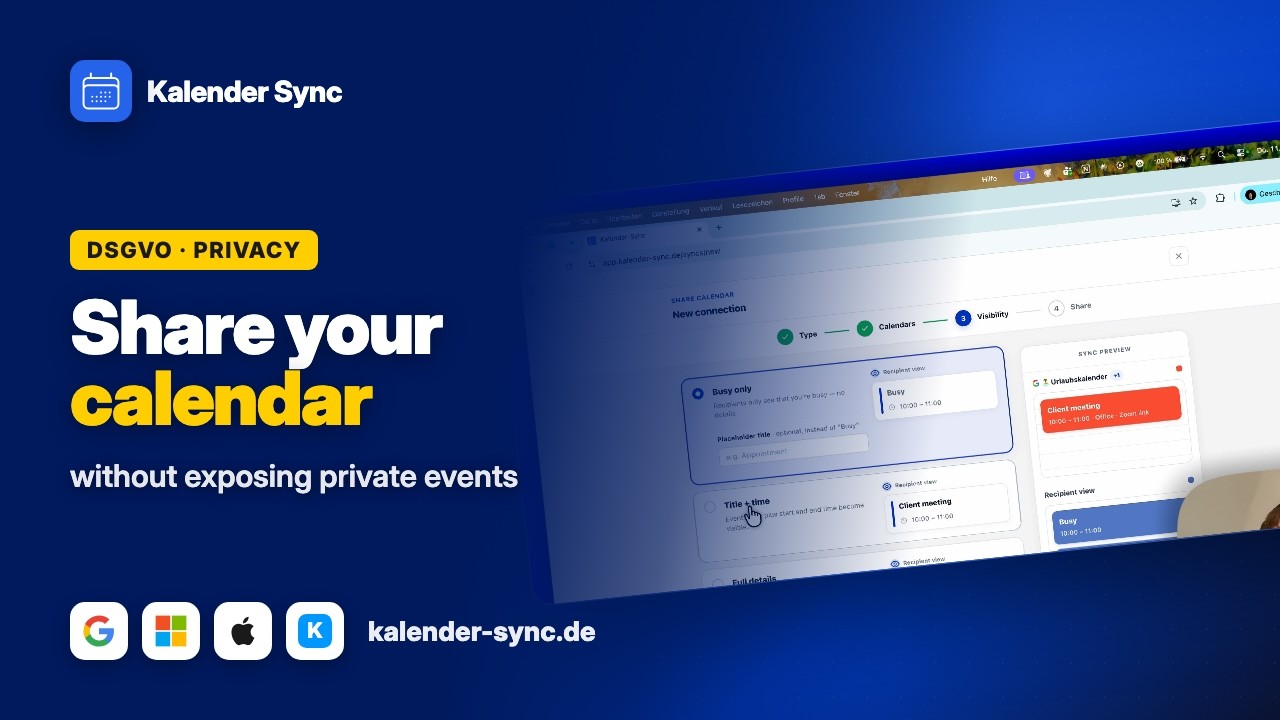
Clicking play loads YouTube. Data will be sent to Google.
Creating and sending a sharing
Section titled “Creating and sending a sharing”The full setup walkthrough is in Create your first sharing — the short version:
- “New sync” → “Share calendar” → pick source calendars and a visibility level.
- In the last step, send the invitation: copy the link and send it yourself (messenger, email) — or enter the email address and Kalender Sync sends the invitation directly.
The receiving side gets exactly one email — no further ones unless they sign up.
The invitation
Section titled “The invitation”- The link is valid for 7 days and can be used once.
- While acceptance is pending, the dashboard shows the sharing as “Pending” — there you can copy the invite link again any time and resend it.
- Link expired? End the sharing and recreate it — that generates a fresh link and takes under a minute.
What the receiving side sees and decides when accepting (choose a target calendar or have one created) is covered from their perspective in I received an invitation — that link is also handy to forward.
After acceptance
Section titled “After acceptance”- The status switches to “Active” and the initial sync starts (email once it’s done).
- From then on, changes flow automatically — how sync works.
- The receiving side only sees what your visibility level allows — attendee data never.
Managing
Section titled “Managing”- You can pause / end any time from the dashboard — ending cleans up all blockers on the receiving side (details).
- The receiving side can also end the sharing for themselves at any time (under “Shared with me”).
- Changing visibility, placeholder title or sources: via the three-dot menu → “Edit” (Edit a sharing). Only the target calendar stays fixed — it belongs to the recipient.