
Sync your own calendars
BasicAvailable on Basic and upCompare plans
This sync type keeps your own calendars in harmony — e.g. work and personal: events from one automatically block the other. No invite link needed; it runs right after setup.
Video: Sync your own calendars
Section titled “Video: Sync your own calendars”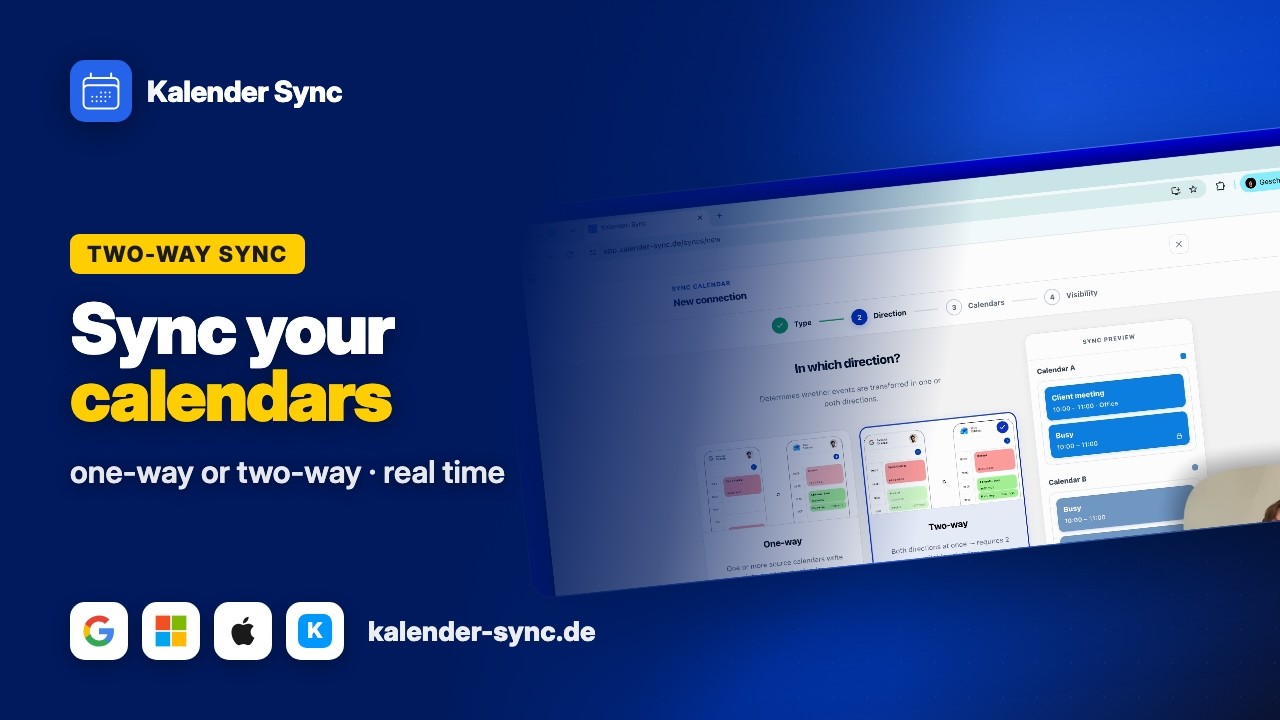
Clicking play loads YouTube. Data will be sent to Google.
One direction or both?
Section titled “One direction or both?”- One direction (A → B): one calendar blocks the other, not vice versa. Typical: the personal calendar blocks the work calendar — work stays invisible in personal.
- Both directions (A ⇄ B), the two-way sync: both block each other. Typical: two equal calendars (two jobs, work ⇄ personal). Counts as one sync against your plan limit.
Setting it up
Section titled “Setting it up”- “New sync” → “Sync calendar”.
- Choose the direction: one-way or two-way.
- Pick the calendars — for a two-way sync, exactly two writable calendars (iCal feeds are read-only and can’t be a two-way partner).
- Set the visibility — for a two-way sync, optionally different per direction: level, placeholder title and all-day behaviour can each be configured per direction (“Per direction →”).
- For one direction, pick the target — done. The initial sync starts in the background.
Good to know
Section titled “Good to know”- No loops: blockers are never synced back — even in both directions there’s no ping-pong (how sync works).
- Pausing pauses both directions — a two-way sync is always paused and resumed as a whole (pause & end).
- Three or more calendars are connected with several syncs — examples under Multiple accounts & chained setups.
- Changing settings later: via the three-dot menu → “Edit” — sources, target calendar, visibility, prefix and more (Edit a sharing).